 Citerank
30-Day Action Plan: a sequenced plan with the fixes written for you
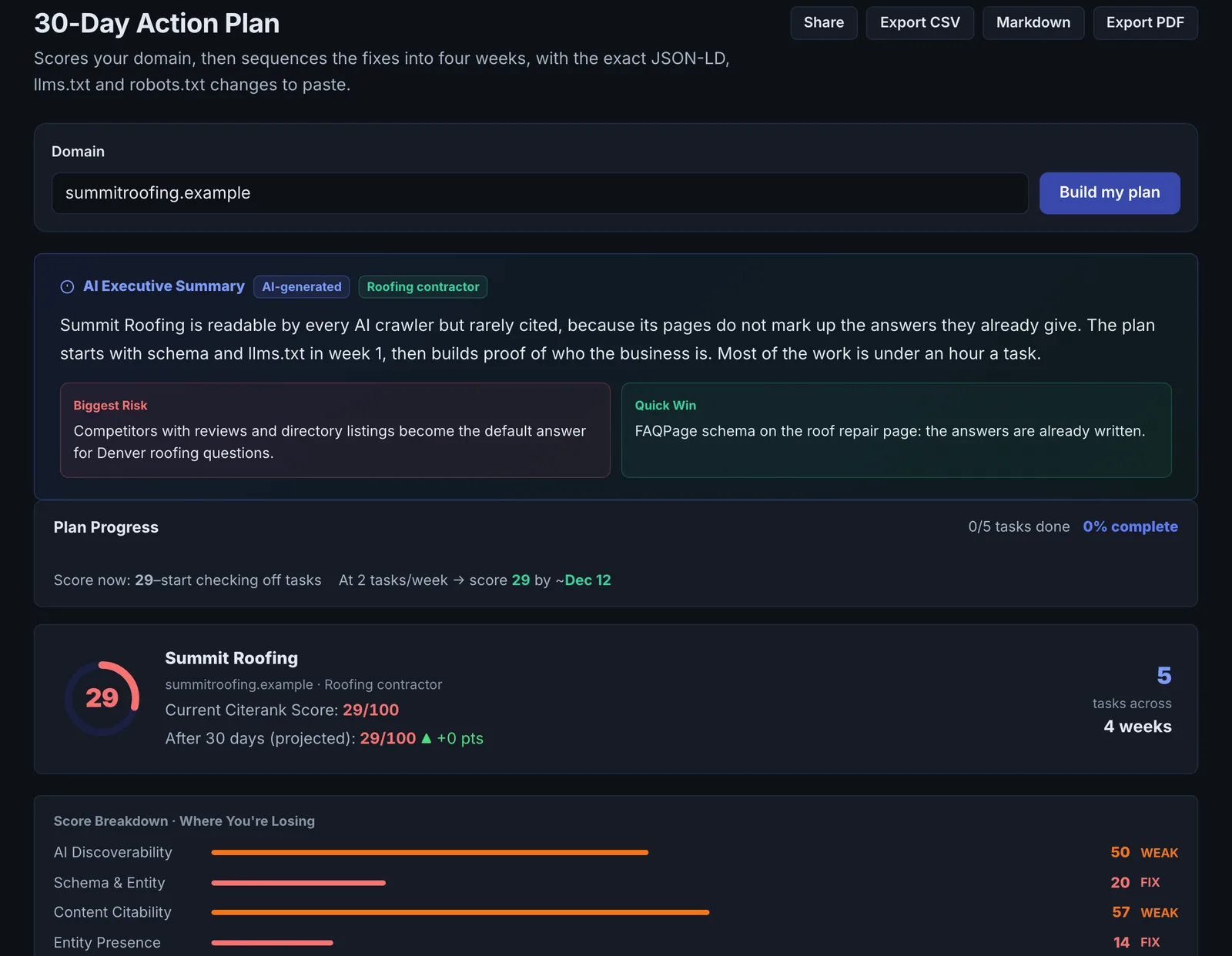
The 30-Day Action Plan scores your domain and turns the result into four weeks of tasks, ordered by impact and by what depends on what, with the fix written for each task: JSON-LD snippets, an llms.txt and robots.txt changes you can copy.
Step by step
- Open 30-Day Action Plan #
Find it under Plan & Deploy, Plan, in the left sidebar.
- Enter your domain #
The domain is scored first.
- Read the plan #
Four weeks of tasks, each with its expected score impact.
- Copy the fixes #
Each task has the artifact to apply: schema, llms.txt or a robots.txt diff.
- Re-score after each week #
Run the AI Visibility Score again to see the effect.
Why it matters#
A list of findings does not say what to do first. The action plan puts them in order, so foundational fixes (crawler access, core schema) come before the work that depends on them, and gives you the fix itself rather than a description of it.
What it checks#
It reads your AI Visibility Score and the domain, then builds:
- Week-by-week tasks ordered by impact and dependencies.
- An estimated score impact per task.
- Fix artifacts: JSON-LD for your domain, an llms.txt template and a robots.txt diff.
Reading the results#
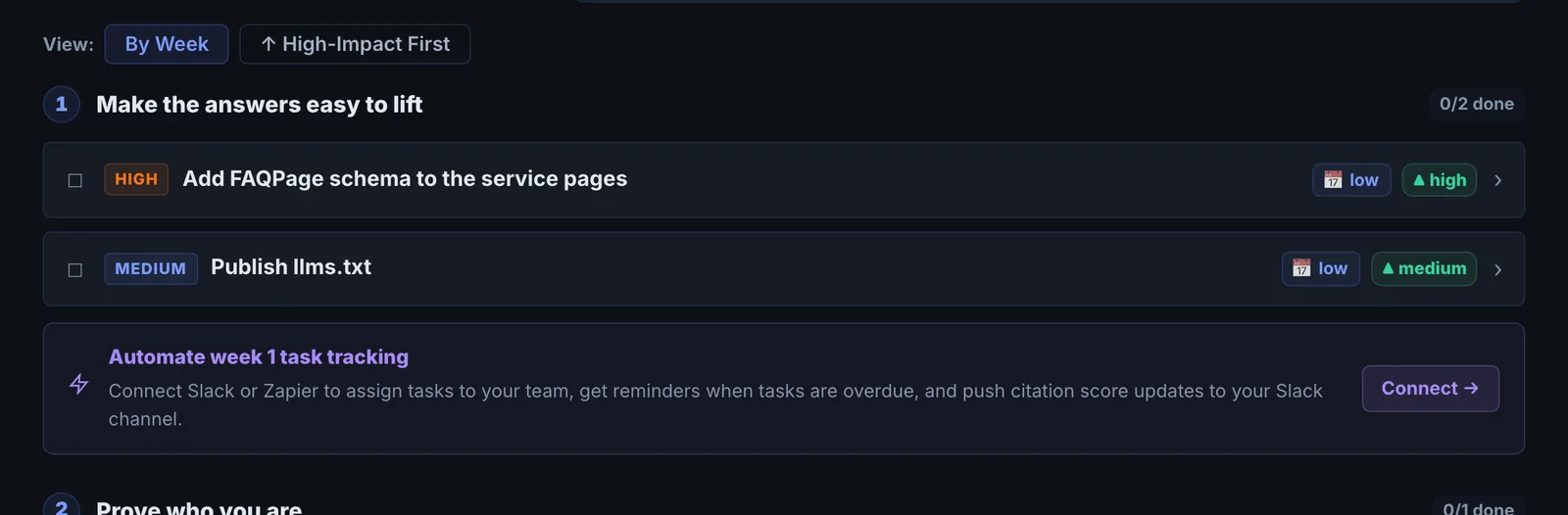
Week 1 usually holds access and identity fixes; later weeks hold content and entity work. The impact estimate helps you drop low-value tasks if time is short.
Implementing the fixes#
Apply each week's artifacts (through your CMS or Citerank Deploy), then re-run the AI Visibility Score.
Worked example#
A landscaping company with an AI Visibility Score of 41 generates a plan.
Week 1: allow AI crawlers in robots.txt (the plan includes the exact lines to append), and add Organization and WebSite JSON-LD to the home page (generated for the domain). Week 2: sameAs links to the company's Google Business Profile, Facebook and Houzz profiles, and FAQ schema on the four service pages. Weeks 3 and 4: rewrite the service pages' openings and add a service-area page.
The team has time for weeks 1 and 2 only this month, so it uses the impact estimates to skip the lowest one. Re-scoring after week 2 shows 58. The rest of the plan carries into next month.
Best practice#
Assign tasks to owners in your project notes and re-score weekly to keep momentum.
Troubleshooting
The plan does not match your site #
The plan is built from your latest AI Visibility Score. If the site changed since then, run a new score first, then build the plan again.
Starter runs are used up #
The app saysof this month's runs on your plan. The allowance resets every 30 days, or upgrade for more.
Starter includes 20 action plans a month. Keep the plan you have and work through it before building another.
You cannot deploy the fixes from the plan #
The app saysDeploying changes to your site is included on every paid plan, from Starter up. Anything you deployed before can still be reverted.
Deploying needs a paid plan and a connected site. Connect your site in Citerank Deploy, or copy the fix artifacts into your site by hand.
Not listed here? See Common problems for limits, checks, plans and pages that cannot be read.
Questions
Is the score impact guaranteed? #
How is this different from the AI Visibility Plan? #
Can I use the generated JSON-LD as it is? #
Something here does not match what you see in the app? Tell us and we will fix the guide.