 Citerank
Getting started with Citerank
Citerank shows whether AI search engines (ChatGPT, Gemini, Perplexity, Claude, Grok and Google AI Overviews) can read your site, mention you and cite you, then tells you what to fix. Start with a project, a score and one page audit, then add tracking.
Step by step
- Add your site as a project #
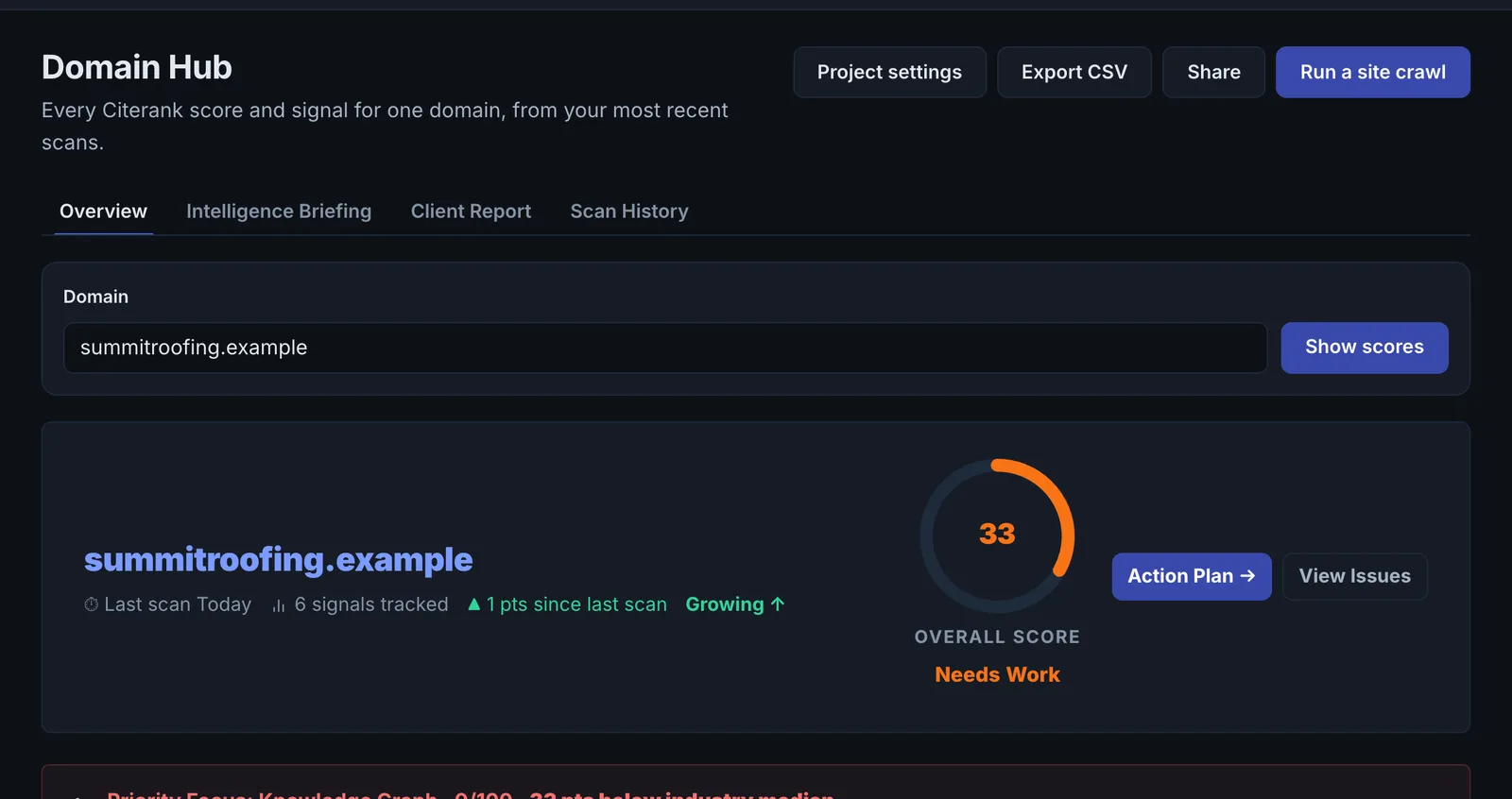
Open Projects and add your domain. A project keeps every scan of that domain in one history, holds your competitors and notes, and is what you share with teammates.
- Get your AI Visibility Score #
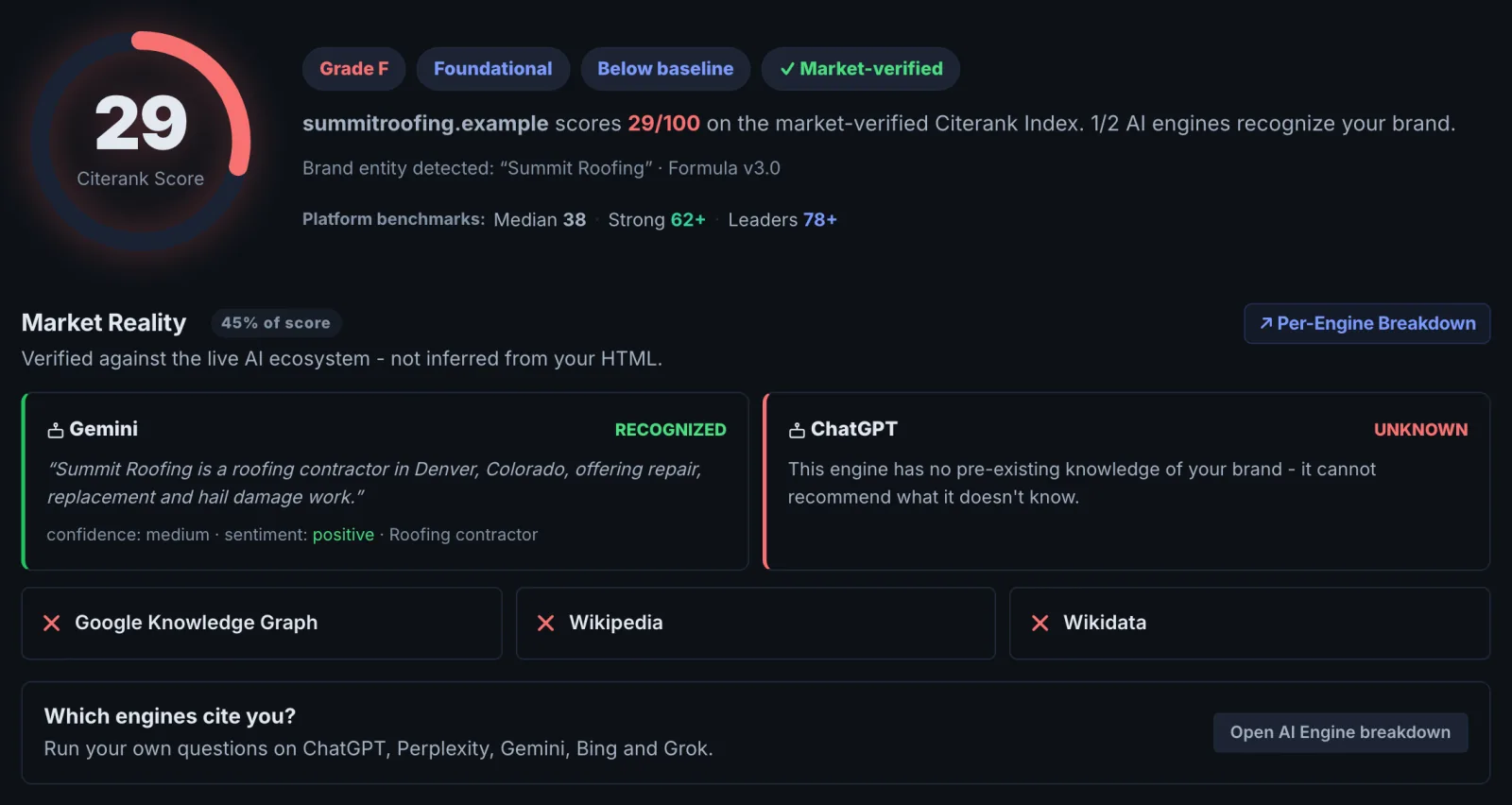
Open AI Visibility Score and run it on your domain. You get a 0 to 100 score and the dimensions behind it, so you know which area is holding you back.
- Audit your most important page #
Open Page Auditor and audit the page that matters most to revenue, usually the home page or your main service or product page. Work through its priority action first.
- Track the questions your buyers ask #
On a paid plan, add the prompts and keywords your buyers type into AI assistants in Prompt Tracking or Citation Tracker, so you can see who gets cited and measure change.
- Fix, then measure again #
Apply the fixes (schema, crawler access, page content), then re-run the score and the audit. Projects and What Changed show the movement over time.
What Citerank measures#
Search is splitting in two. People still click blue links, but more and more of them ask ChatGPT, Gemini, Perplexity or Google's AI Overviews and act on the answer. Being in that answer, and being the source it links to, is a different problem from ranking. Citerank measures it in three layers:
- Can AI engines read you? Crawler access in robots.txt, llms.txt, sitemaps, pages that render without JavaScript, and Core Web Vitals.
- Do they understand you? Schema markup, entity data, Knowledge Graph presence and content written in passages an engine can lift.
- Do they cite you? Live checks that ask the engines your buyers' questions and record whether you are mentioned, linked and ranked, and who is cited instead.
The tools are grouped into eight toolkits in the left sidebar: AI Visibility, Site Audit, Content, Competitors, Schema & Entities, Agents & Commerce, and Plan & Deploy, plus Home.
The first hour, in order#
The steps above are the order we recommend. The reason is cost and signal: the score and the page audit are free on every paid plan and tell you whether you have a reading problem (engines cannot access or parse you) or a citing problem (they can, but prefer someone else). Fix reading problems first. No amount of prompt tracking helps a site that blocks GPTBot.
What costs checks and what does not#
Audits never use checks or credits on a paid plan: Starter includes 50 a month, Pro and Agency are unlimited. Tools that ask the AI engines a question (Citation Tracker, Rank Tracker, Prompt Tracking and a few others) draw from your plan's monthly AI engine checks. Learn and experiment with the audit tools, and be deliberate with the engine tools. The full breakdown is in Plans, checks and credits.
Where to go next#
- Learn what each part of your score means in AI Visibility Score.
- Set up competitors and team access in Projects.
- Start measuring citations with Prompt Tracking or Citation Tracker.
Questions
Which tool should I run first? #
Is there a guided option? #
Something here does not match what you see in the app? Tell us and we will fix the guide.