 Citerank
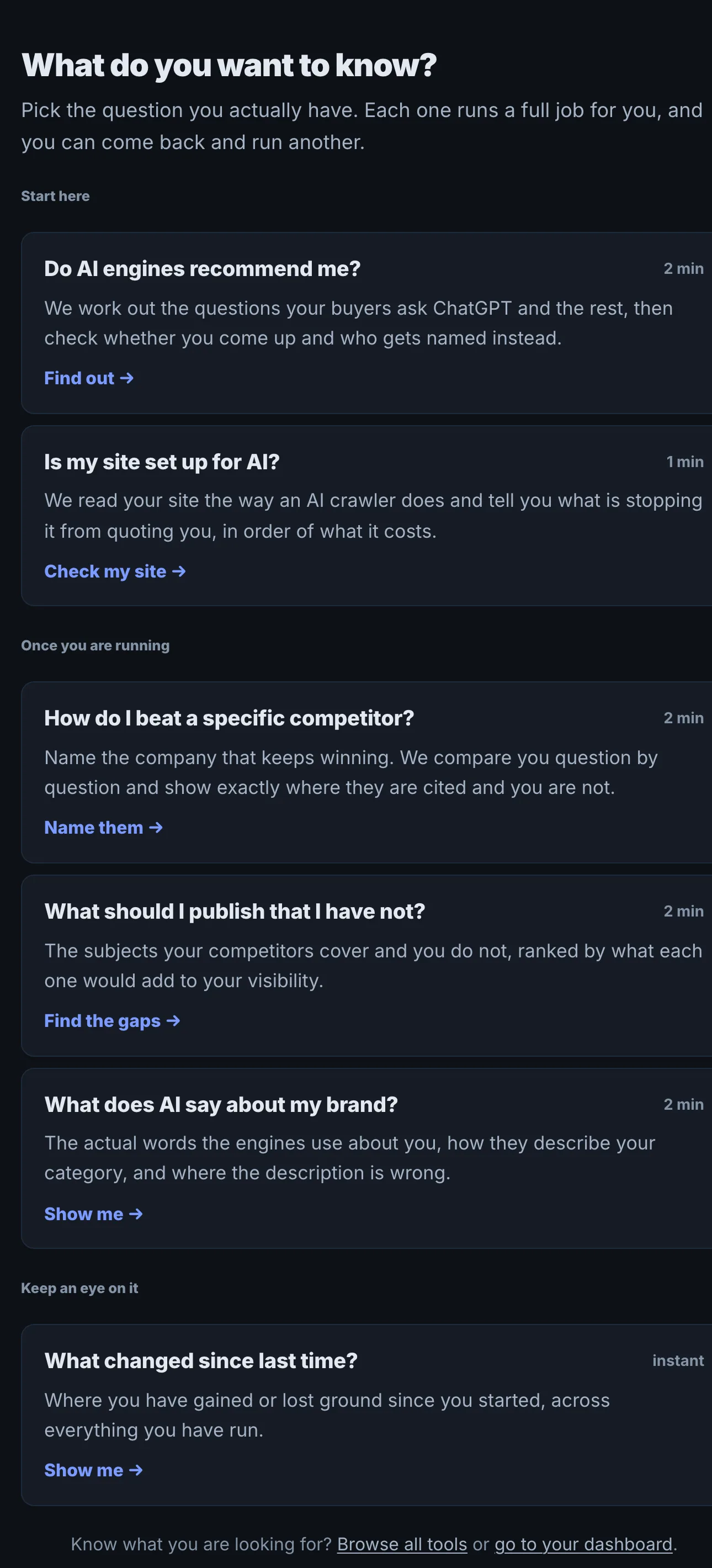
Workflows: the guided path to "do I show up in AI?"
Workflows are five guided paths through Citerank (Visibility, Readiness, Competitor, Gaps and Brand). Each picks the tools for you, freezes a "before", gives the one thing to fix first, and proves whether it moved.
Step by step
- Open Workflows #
Find it under Home in the left sidebar.
- Find your buyers' questions #
Start with the questions buyers ask AI in your market.
- See where you stand #
Each question is checked and the result becomes your frozen baseline.
- Fix the one thing #
Follow the single recommended fix.
- Check if it moved #
Re-measure against the untouched baseline.
Why it matters#
Most people do not want 80 tools; they want an order of operations. Workflows gives one: each workflow picks the tools for you, runs them in sequence, and ends on evidence, because the first measurement is frozen as an untouched "before" that the last step compares against. Every step links into the full tool when you want more depth, but none requires it.
What it checks#
There are five workflows, each a short sequence of stages:
| Workflow | Stages | Answers |
|---|---|---|
| Visibility | Your site, Your questions, Who's winning, The fixes, Did it work | Do I show up when buyers ask AI, and who wins instead? |
| Readiness | Your site, Reading it, Your score, What to fix, Did it work | Can AI read and understand my site? |
| Competitor | Both sites, Comparing, Where they win, Did you close it | Where does a rival beat me, and did I close the gap? |
| Gaps | Your site, Reading it, What is missing, Did it fill | What is missing from my site that AI looks for? |
| Brand | Your site, Asking engines, What they say, Has it shifted | What do AI engines say about my brand, and is it changing? |
The questions a workflow uses live in the same list as the Prompt Library, so anything you add in a workflow also exists in the full tools.
Reading the results#
- The baseline is your first measurement. It is never rewritten.
- The diagnosis stage names who is winning, your score, or what is missing.
- The fix stage gives the one thing to fix first.
- The proof stage re-measures and compares with the frozen baseline.
Implementing the fixes#
Do the one recommended fix (the stage links to the right tool), wait for the change to be recrawled, then run the proof stage. Then start the next loop, on another question or another workflow.
Worked example#
A small accounting firm starts the Visibility workflow.
Your site: it enters its domain. Your questions: the workflow proposes buyer questions; the firm keeps 8. Who's winning: a national tax site and a local competitor are cited on 6 of 8. The baseline is frozen: cited on 1 of 8. The fixes: the one thing to fix first is a page answering "how much does a small business accountant cost", which the competitor has and the firm does not. Did it work: six weeks after publishing, the re-measure shows 3 of 8 against the frozen baseline.
Best practice#
Start with the Visibility workflow. Once the loop is familiar, move to Prompt Tracking and the expert tools for ongoing work.
Troubleshooting
The site could not be read #
The app saysWe could not read that site. If it blocks bots, that is itself the first thing worth fixing.
Allow CiterankBot in the firewall and start again. If AI crawlers are blocked too, fixing that is the first win. See Common problems.
Re-running asks for a plan #
The app saysRe-running is part of Starter. Your first run stays free.
The first run of a workflow is free. Measuring again for proof needs Starter or above.
No questions are selected #
The app saysPick at least one question to track.
Keep at least one question from the list, or add your own.
A check did not complete #
The app saysThat check did not complete. Please try it again.
Run the stage again. The baseline you already have is kept.
Not listed here? See Common problems for limits, checks, plans and pages that cannot be read.
Questions
Are the prompts separate from Prompt Library? #
Why is the baseline frozen? #
Which workflow should I start with? #
Something here does not match what you see in the app? Tell us and we will fix the guide.