 Citerank
OKF Bundle Generator: your site as a Markdown knowledge bundle for AI agents
The OKF Bundle Generator turns your site (or a sitemap) into an Open Knowledge Format bundle: each page rendered, converted to clean Markdown and linked to Wikidata entities, packaged for AI agents and retrieval systems.
Step by step
- Open OKF Bundle Generator #
Find it under Schema & Entities, Generate, in the left sidebar.
- Enter a site or sitemap URL #
Up to 100 pages on paid plans, 5 on Free.
- Optionally mark it verified #
Adds a human trust signal to the bundle.
- Start the job #
Pages are discovered from the sitemap (or by crawling), rendered and converted.
- Export #
Download the bundle when the job finishes.
Why it matters#
AI agents and retrieval systems work best from clean Markdown with clear entities, not from HTML full of navigation and scripts. An OKF bundle gives them your content in that form, so an agent or a custom GPT built on your content gets accurate, complete pages.
What it checks#
- Page discovery from your sitemap, falling back to a crawl.
- Rendering of every page in a browser.
- Markdown conversion of the main content.
- Wikidata entities linked to the concepts on each page.
- Changes compared with your last bundle for the domain.
Reading the results#
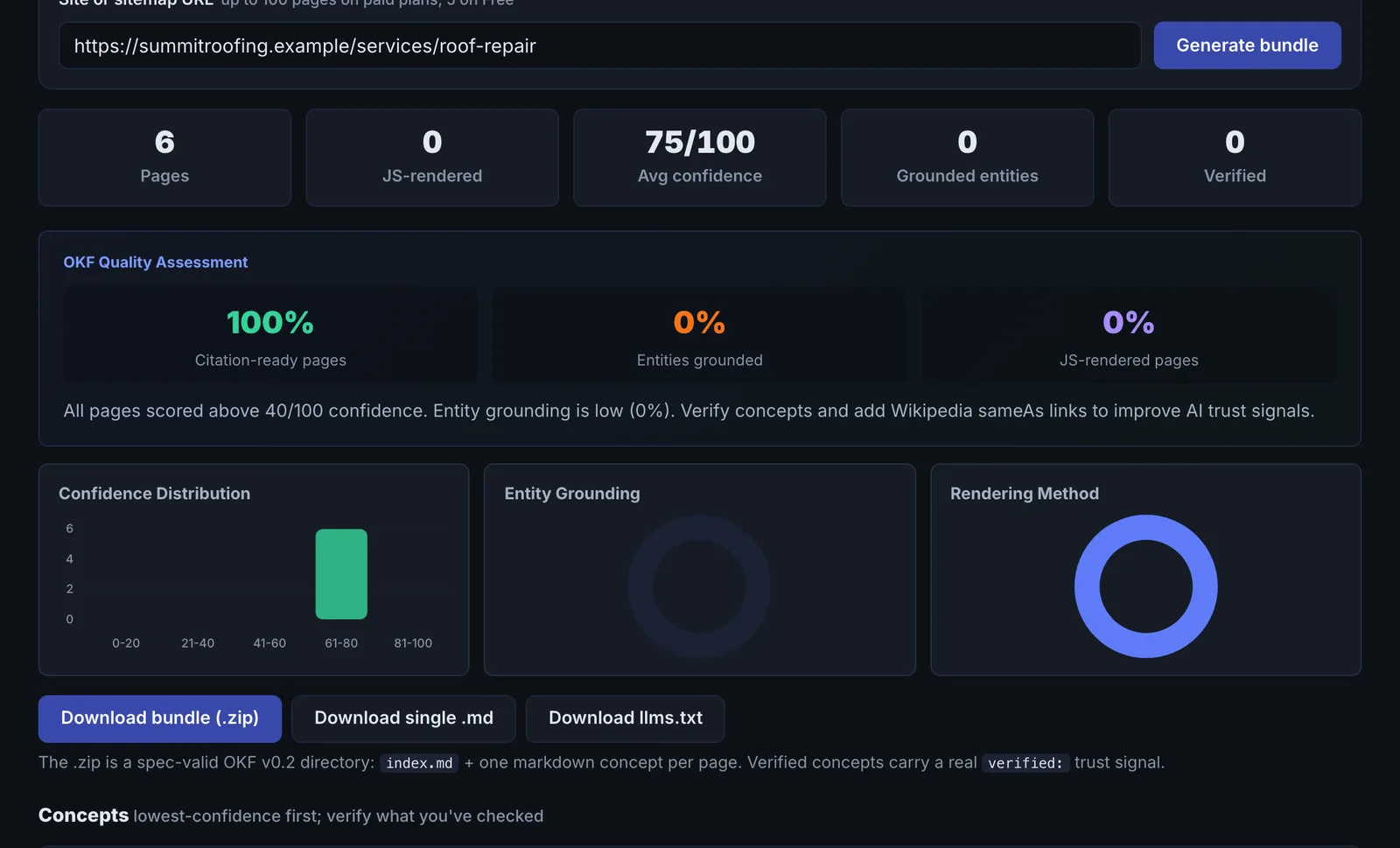
The bundle lists each page as a Markdown document with its entities. Thin or empty pages in the bundle point at pages whose content does not render or is mostly images.
Implementing the fixes#
- Fix pages that come out thin (render content in HTML, replace text in images).
- Use the bundle to load your content into AI assistants, chatbots or agent tools you run.
- Regenerate after major content changes.
Worked example#
A university department builds a bundle of its 60 course pages.
The bundle shows 9 pages as thin: each converts to fewer than 50 words of Markdown. Opening them shows why: the course details sit in a tab component that loads by script, and the browser render captured the tab labels only. The other 51 pages convert cleanly, each linked to Wikidata entities for the subjects taught.
The fix: the course template puts all tab content in the HTML and uses CSS to show and hide it. The next bundle shows 0 thin pages and, compared with the last one, lists the 9 pages as changed.
Best practice#
Start with your most important section rather than the whole site, and check the Markdown reads well on its own.
Troubleshooting
The job could not be created #
The app saysCould not create job
Try again in a minute. If it repeats, check the domain and that the site has a sitemap or crawlable links.
Many pages in the bundle are thin or empty #
Those pages put their content in images, PDFs or components that do not render on load. Put the text in HTML.
The bundle stops at 5 pages #
The free plan builds bundles of up to 5 pages. Paid plans build up to 100.
Not listed here? See Common problems for limits, checks, plans and pages that cannot be read.
Questions
Why render with JavaScript? #
Can I compare with a previous bundle? #
What do I do with the bundle? #
Something here does not match what you see in the app? Tell us and we will fix the guide.