 Citerank
Playbook: a monthly AI visibility report for a client
A repeatable monthly routine for agencies: refresh the measurements, show movement against last month, explain it with evidence, and agree next month's priorities, all from Citerank.
Step by step
- Let the data refresh #
Tracked prompts check monthly and scheduled crawls run on their own. Run the AI Visibility Score once.
- Read what moved #
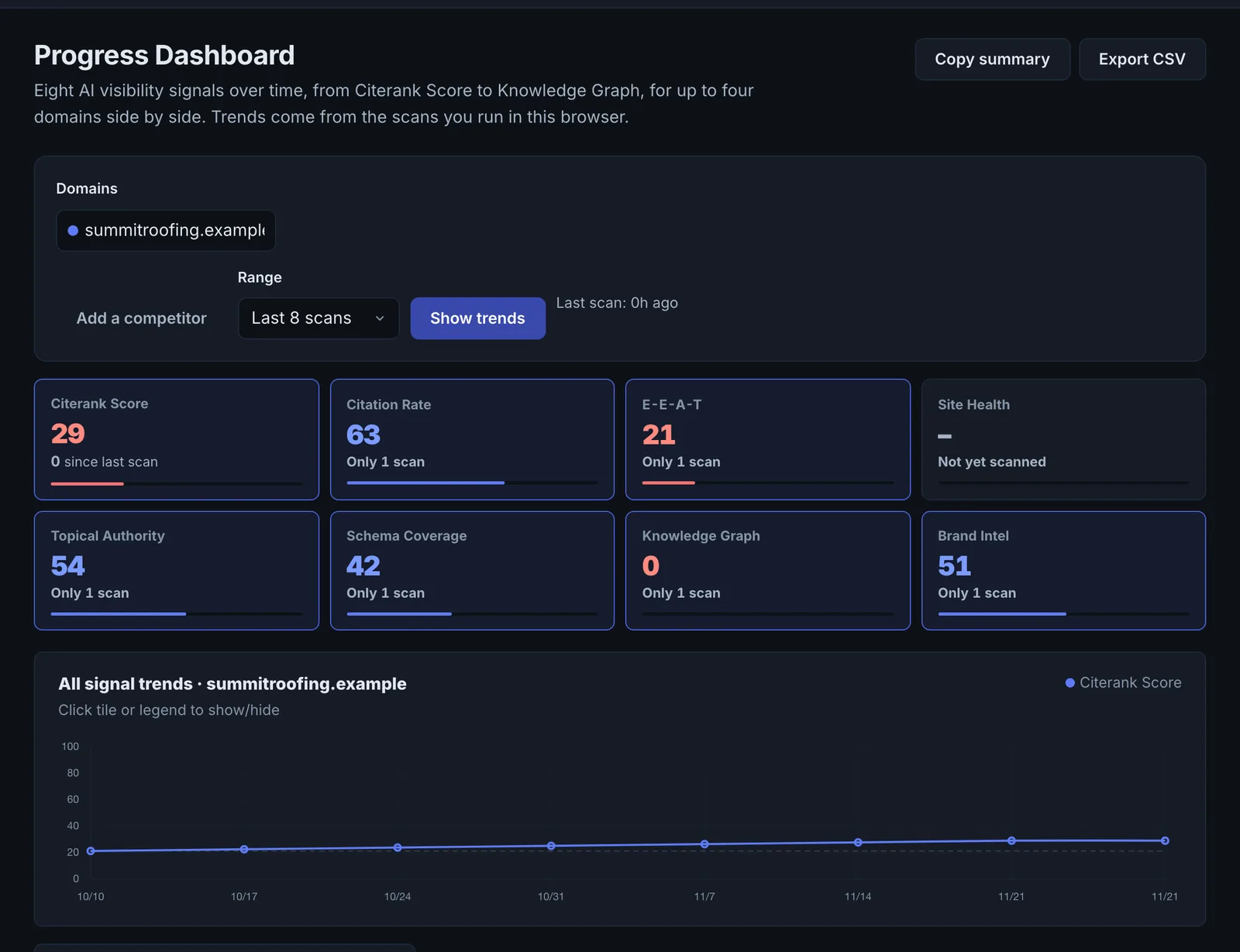
Open What Changed and the Progress Dashboard for the client's domain.
- Pull first-party data #
Import the latest Search Console and Bing AI reports into AI Search Reports.
- Check traffic and revenue #
Open AI Traffic and, for stores, Agent Orders.
- Explain the movement #
Match changes to project notes and the work done.
- Set next month #
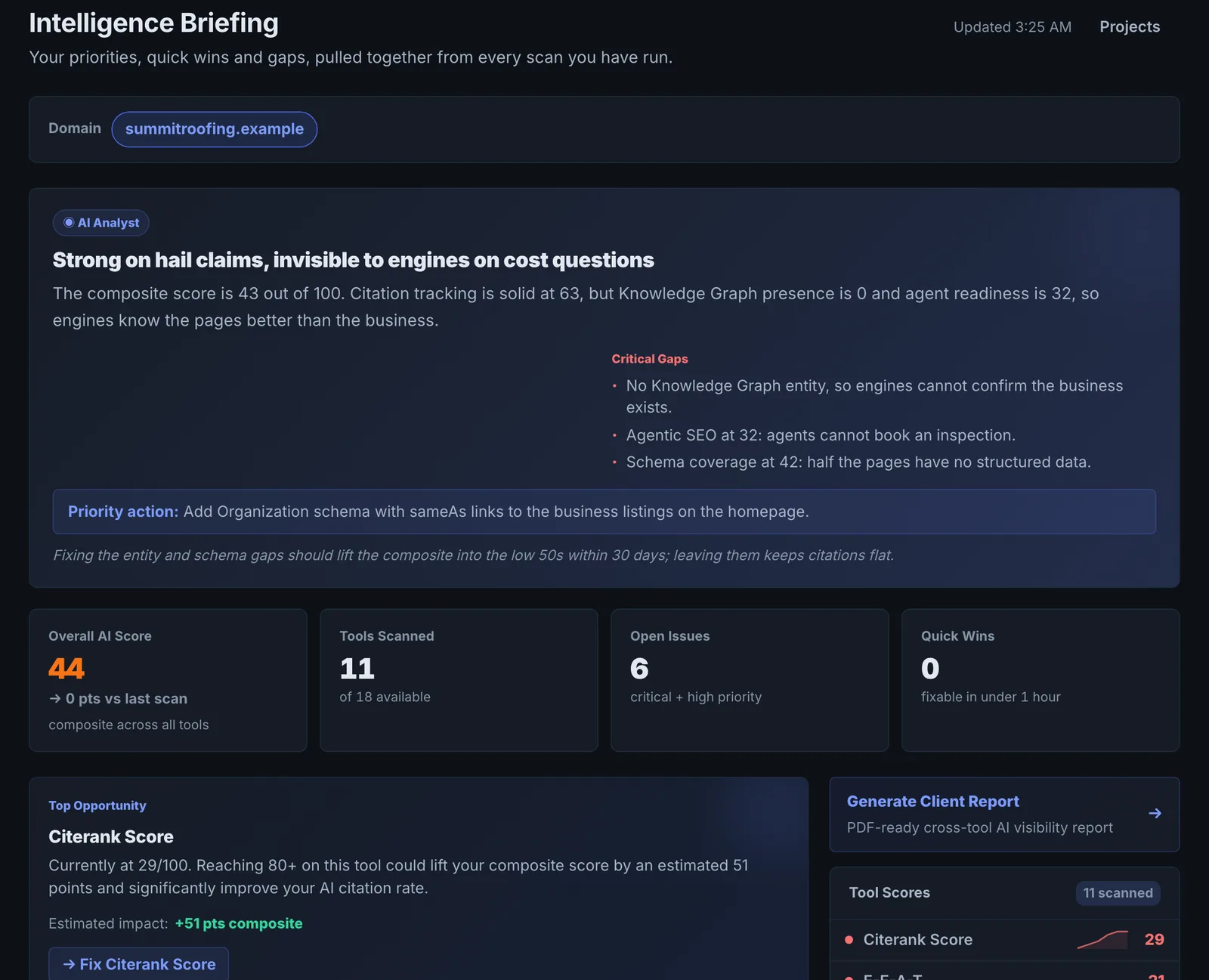
Use Intelligence Briefing and Domain Hub's Do This Today to choose priorities.
- Share #
Send the Domain Hub share link or a white-label PDF.
The goal#
A report the client understands in five minutes: where they stand, what moved and why, and what happens next.
What to include#
| Section | Source |
|---|---|
| Headline: share of voice on tracked questions | Prompt Tracking, SOV History |
| AI Visibility Score and trend | Progress Dashboard |
| What moved and why | What Changed plus project notes |
| Google and Bing's own AI data | AI Search Reports |
| Visits, reads and revenue from AI | AI Traffic, Agent Orders |
| Work completed and verified | Issue Tracker, Citerank Deploy log |
| Next month's priorities | Intelligence Briefing, Domain Hub |
Making it credible#
- Report measured numbers and label estimates as estimates.
- Keep the tracked question list stable month to month.
- Explain every movement with a dated note; unexplained dips erode trust faster than small gains build it.
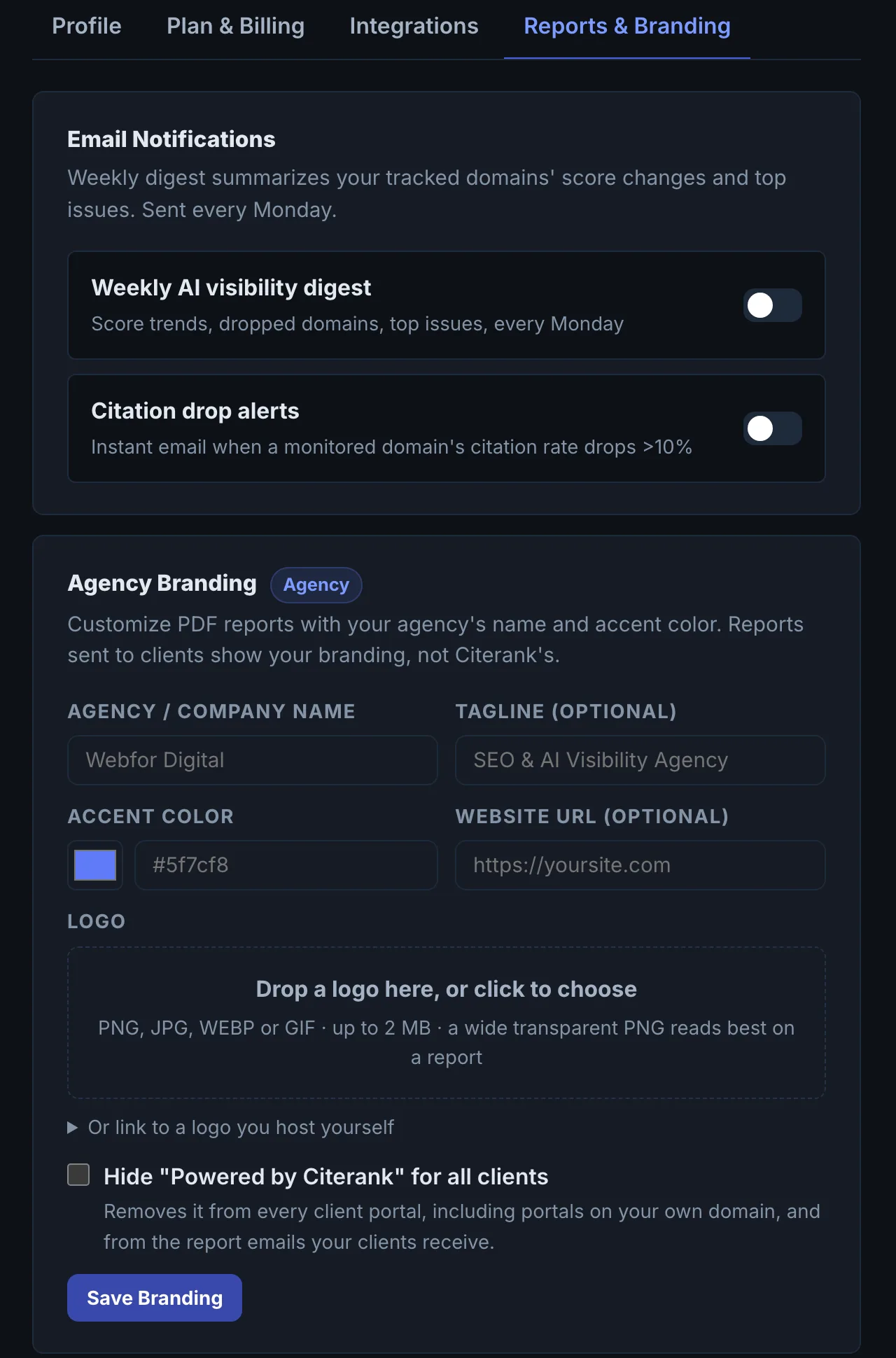
- Use white-label PDFs or Domain Hub share links set up in Reports & branding.
Questions
What should the headline number be? #
How do I show value when nothing moved? #
Something here does not match what you see in the app? Tell us and we will fix the guide.