 Citerank
Plans, AI engine checks and credits explained
Every paid plan includes three separate allowances: AI engine checks (for tools that ask the AI engines a question), monthly credits (for heavier tools like agents and crawls) and audits (free on paid plans). Credit packs pay for checks past your plan's and never expire.
The three allowances#
| Starter | Pro | Agency | |
|---|---|---|---|
| AI engine checks a month | 3 | 10 | 50 |
| Monthly credits | 300 | 1,000 | 3,000 |
| Audits (page audit, AI Visibility Score) | 50 a month | Unlimited | Unlimited |
The free plan includes 2 scans a month across the free tools and no engine checks.
AI engine checks#
One check is one prompt or keyword asked of the AI engines, in any tool that does that: Citation Tracker, Rank Tracker, Prompt Tracking, AI Engine Breakdown, Passage Citations and Am I in ChatGPT?. The checks are one shared pool. On Agency, 20 keywords in Citation Tracker and 30 tracked prompts use all 50.
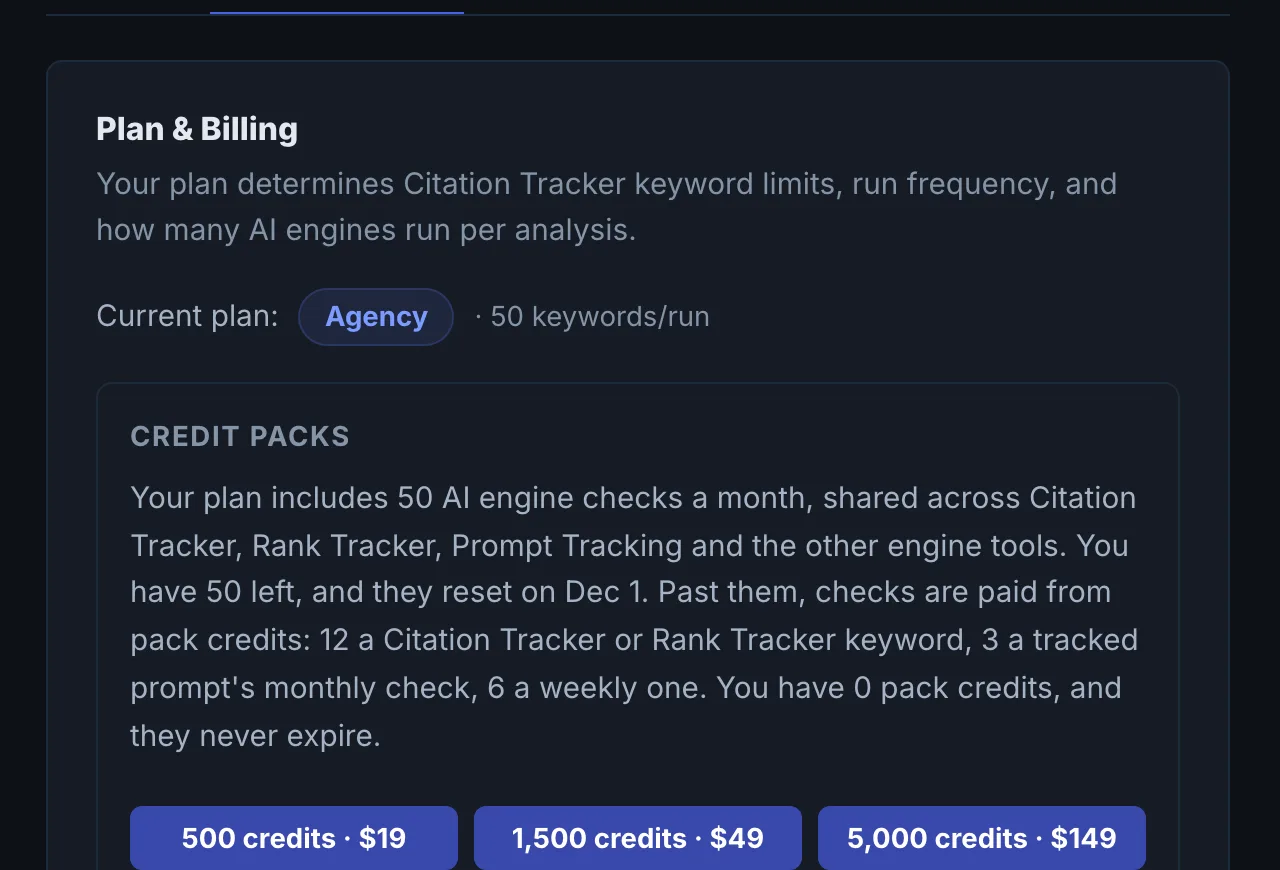
Past your plan's checks, each check is paid from pack credits:
| Check | Pack credits |
|---|---|
| A Citation Tracker or Rank Tracker keyword | 12 |
| A Passage Citations keyword | 8 |
| A Prompt Library run, a Prompt Tracking "check now", or an AI Engine Breakdown keyword | 6 |
| An Am I in ChatGPT? question | 5 |
| A tracked prompt's monthly check | 3 |
| A tracked prompt's weekly check | 6 |
If your pack credits run out, tracked prompts past your plan pause rather than disappear, and resume when you have credits again.
Monthly credits#
Credits pay for the tools that are not engine checks, priced by what each run costs us: one credit is about one cent of provider cost. Most tools cost a few credits a run, and the heaviest (agents that drive a browser) cost more. Some examples:
| Run | Credits |
|---|---|
| A Site Crawler crawl | 5 |
| A Schema Generator run | 5 |
| A Bing Citations run | 4 |
| A Perception Score run | 10 |
| A Backlink Authority run | 35 |
| An AXIS Agent Checker run (an AI driving a real browser) | 120 |
| Most other tools | 2 |
Monthly credits refill each month and do not pay for engine checks. Every guide shows what its tool uses under "Uses".
Audits#
Page audits and the AI Visibility Score never use checks or credits on a paid plan. This is the best place to learn the product.
Spending your checks well#
- Start with the audits. They are free and tell you whether engines can read your site at all.
- Track fewer, better prompts. Ten prompts a buyer would really type beat fifty variations. Use Prompt Library or Suggest prompts to find them.
- Let monthly tracking run. Tracked prompts are checked once a month automatically. Use "check now" after you ship a fix, not every day.
- Keep Citation Tracker runs focused. Every keyword in a run is a check. Run your core keywords after meaningful site changes.
Where to see your balance#
Your remaining checks appear under your plan name in the left sidebar ("X of 50 AI checks left"), and in Settings, Plan & Billing, with your pack credit balance. See Credit packs.
Questions
I'm on Agency. Do I have 3,000 checks a month? #
Are audits really unlimited? #
When do my checks reset? #
Does a failed run use my checks? #
Do my teammates use my checks? #
Something here does not match what you see in the app? Tell us and we will fix the guide.